
information
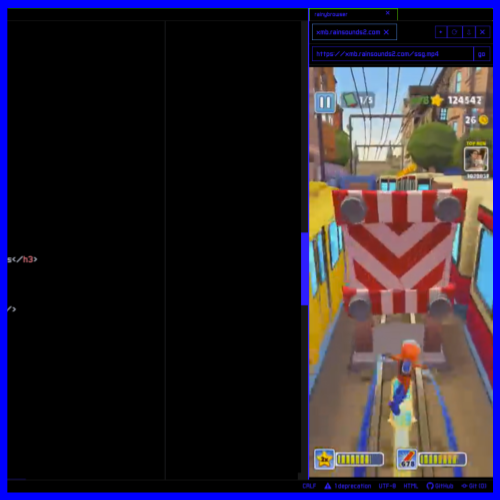
rainybrowser is a web browser designed to run inside of the atom editor and show you subway surfers
technical description
since atom is built using electron, that means it’s just chromium and so it’s possible to show webview/iframes inside one of the panels and shows websites
fun fact: electron was originally developed specifically for atom but now other apps like VScode and UltraBox use it
features
- tabs
- bookmarks you can edit
- includes a 1 hour video of subway surfers gameplay
- ability to download the .html and assets from website
- “open in rainybrowser” option for .html files in the project folder (tree view)
- was originally supposed to have drag and drop but it doesn’t work
FAQ
can it run spis?
yes it can run spis
instructions
download the .zip from the right. then drag the “rainy-browser” folder into your atom “packages” folder, idk where it is on mac/linux but on windows it’s C:\Users\user.atom\packages
then restart atom, right click anywhere in the editor and click on “activate rainy browser” (if it doesn’t show up, you may need to enable it in settings first). sometimes it shows up automatically but if it doesn’t it’s in the right panel by default, in that case move the mouse to the right of the window and click the little arrow thing.
picture
known issues
sometimes the content just runs away
idk man don’t ask me
atom is discontinued so the version of chromium is just gonna get more and more outdated
yep, github abandoned atom in 2022, so while the browser works with stuff now what’s gonna happen in the future when stuff needs newer browsers?
the browser opens, but sites don’t load
i’ve heard some versions of atom are very finicky with webview, so in lib/rainy-browser-view.js, line 140, you can switch it to iframe mode which isn’t recommended (if you know anything about rainyware launcher/spihony’s wrapper then you know) and sites that don’t work in iframe will show a black window
downloads
.zip