
information
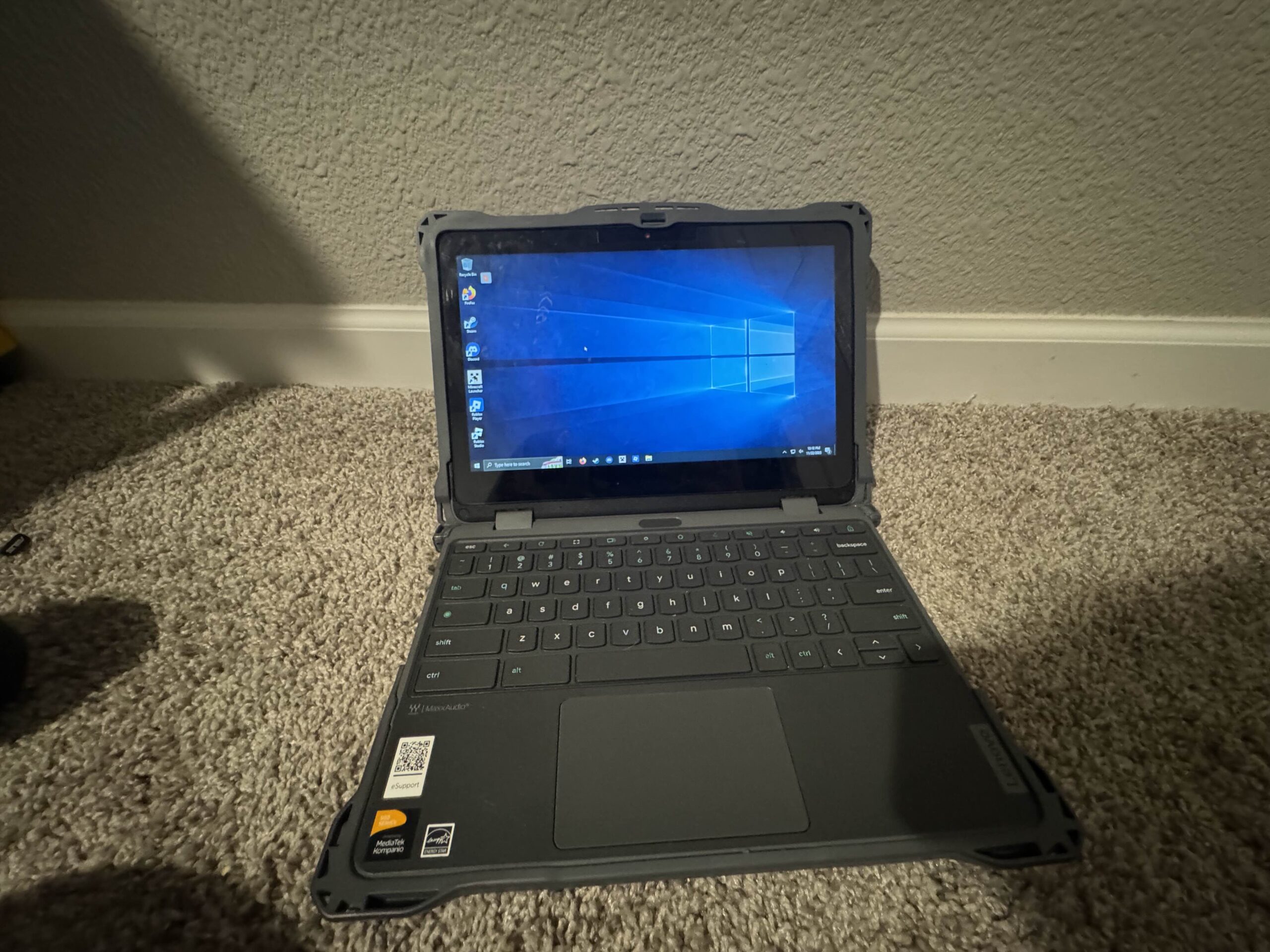
this project was made cuz we REALLY hate doing schoolwork and were trying to find a way to get steam games and discord to run on the chromebook and we decided to make a thing where we can connect to a real computer through the chromebook and play games.
also fun fact the same person we all said our names were max to is trying to do something similar to this. (none of our names are max btw)
technical description
i tried to do everything self hosted but because of how stubborn sunshine is we had to use parsec which has a web version and is like peer to peer and low latency and it works really well. i think some of the very low latency is directly because i live right next to our school
we tried to use virtual machines but those don’t have good performance for gaming unless we do GPU passthrough but then what’s the point if i can only run 1 VM per system with that so they all run windows.
FAQ
can i use blocked sites like discord on these computers?
yes, each computer comes with firefox and discord installed already with no restrictions
is this compatible with blank launcher?
unfourtunately no, because it’s parsec’s website and we can’t do anything about that ever
how can i connect to one of these?
well right now the whole thing is private but you can just download parsec on your own computer and use it like that if your home internet is good enough for it. we are working on our own proxy site that will be accessible but password locked so we can make sure our domain doesn’t get blocked in 0.042 seconds again so basically you can use it if you have the password
picture
known issues
occasionally parsec shits the bed and crashes
the solution is i have a different remote desktop software on the computers so if there’s any issues with parsec then i cna use that to restart parsec